Connect WorkBuddy to TeamoRouter
New accounts start with a $0 balance — top up before your first request. Top up from $5. If a request returns 402 with "wallet balance is insufficient", your balance is empty — your base URL and key are fine. Top up and retry.
1. Connect to TeamoRouter
If WorkBuddy is already installed, add TeamoRouter:
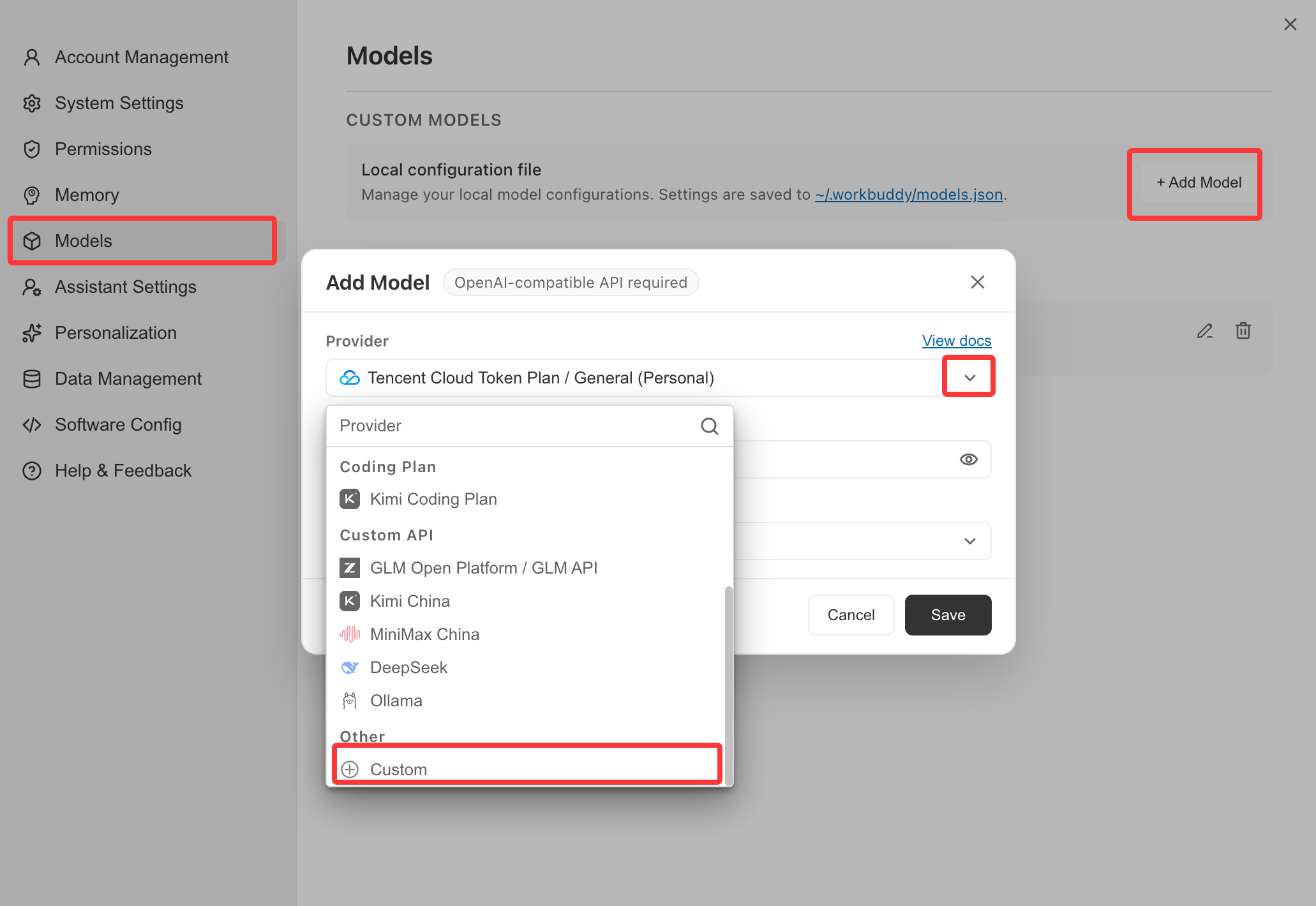
- Open WorkBuddy, click the account icon in the lower-left corner, open Settings, and choose Models.
- Click Add model and choose Custom as the provider.
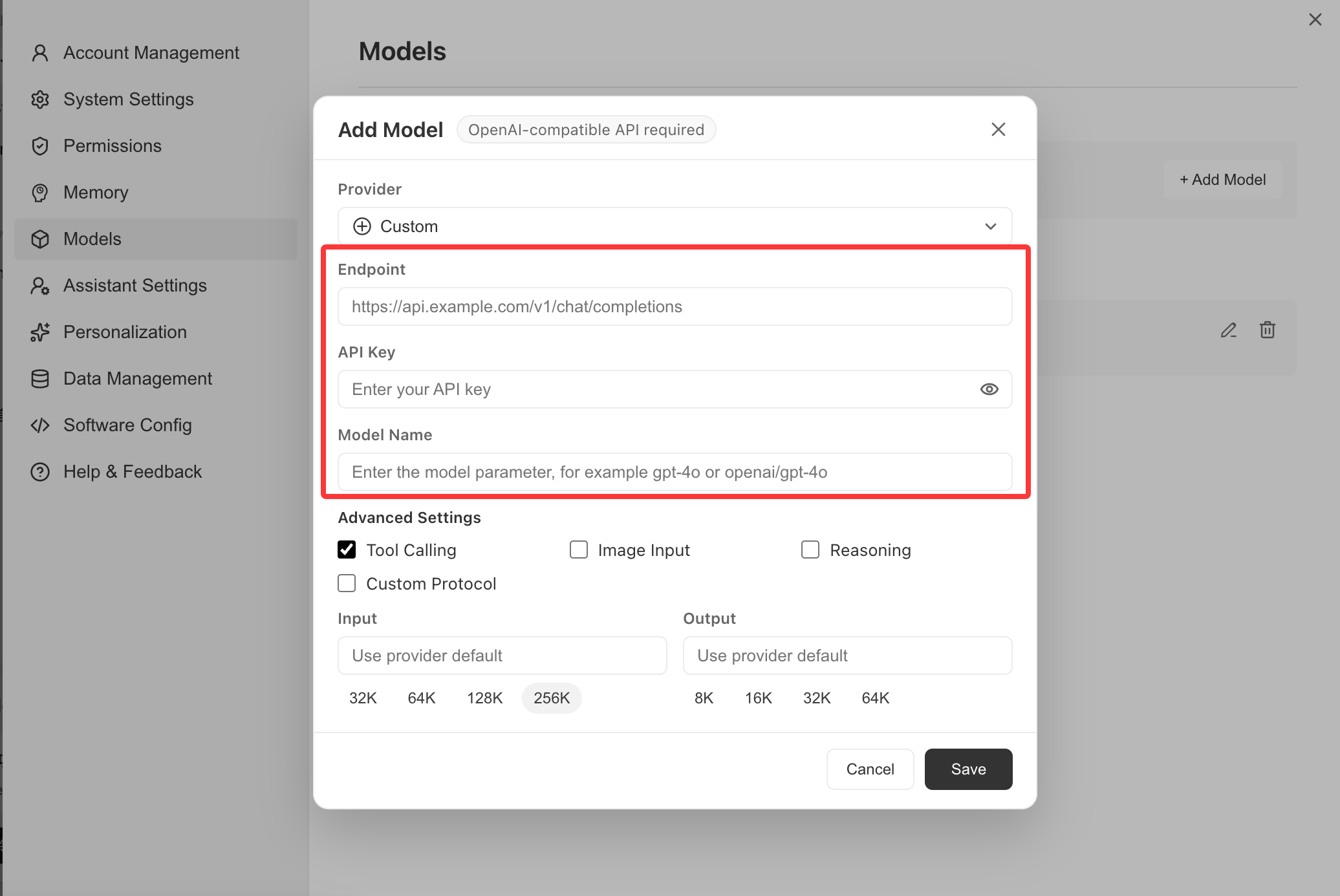
- Fill in the custom provider form:
- Endpoint:
https://api.teamorouter.cn/v1 - API key: paste the key you created in the TeamoRouter dashboard
- Keep other settings at their defaults
- Add the model names you want to use.
DeepSeek6
deepseek-flashdeepseek-flash-freedeepseek-v4-flash-vision-expdeepseek-v4-prodeepseek-v4-flashdeepseek-v4-flash-free
GLM4
glm-5.3-flashglm-5.3-flash-freeglm-5.3glm-5.2
- Click Save.
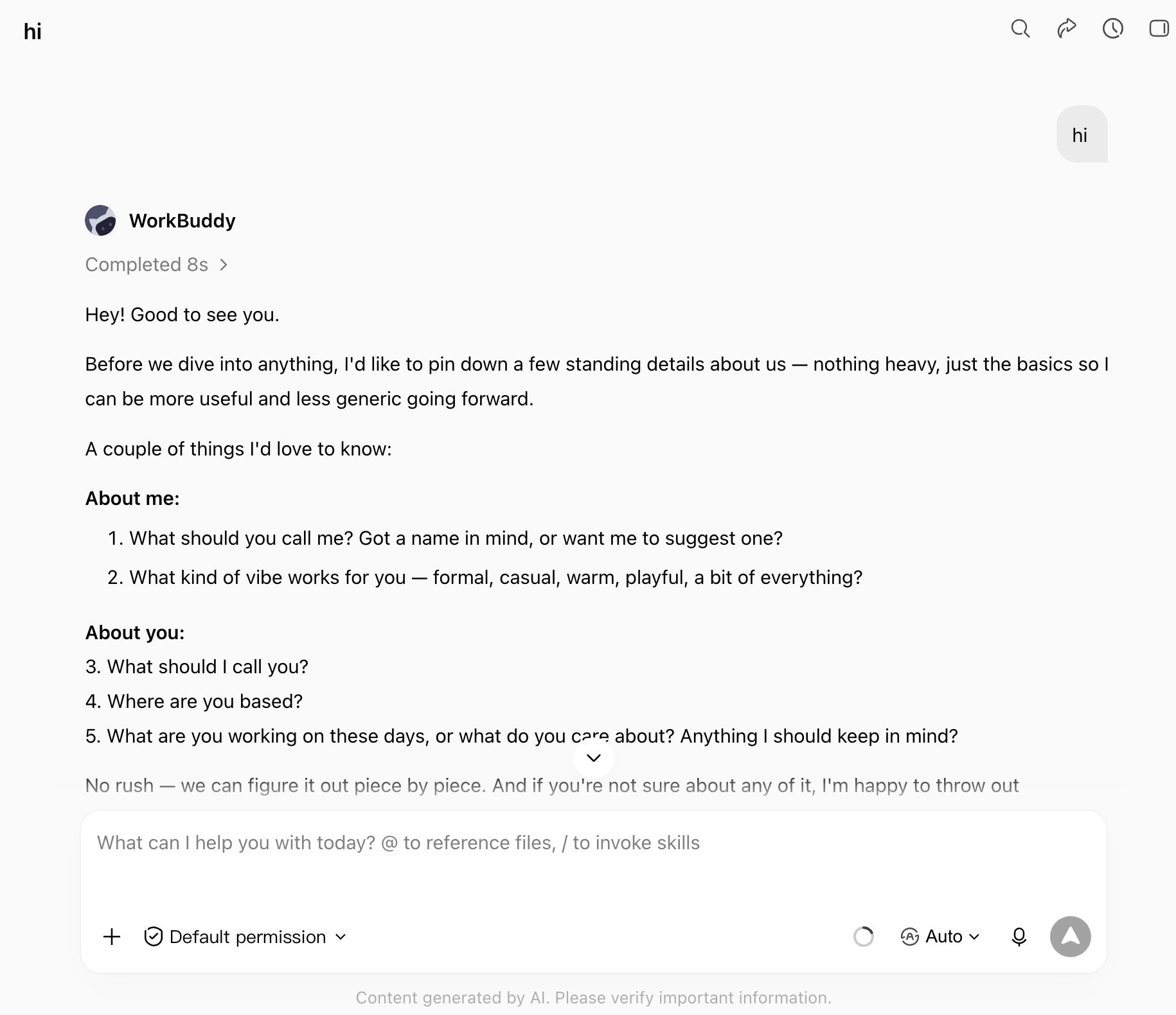
When calling a model later, select the model you just added.
2. Install WorkBuddy from scratch
Install or upgrade from the WorkBuddy download page.